My domain
There are two computers on my desk: a 16-inch M4 MacBook Pro for work, and a 14-inch M1 Pro that sits off to the side running Claude Code. Almost everything else here exists to serve that arrangement, or, more importantly to get out of its way.
The keyboard, the trackpad, and the display are all connected to the work machine. That one fact explains most of the decisions below, starting with the pedal.
Talking to AI with my feet
Imagine this. Your hands are on the keyboard connected to your work computer. Claude Code is running on your personal computer, a few inches to the left. You could lean over to type and make a few clicks, but that slowly becomes irritating. What limbs are available? Well, your feet of course.
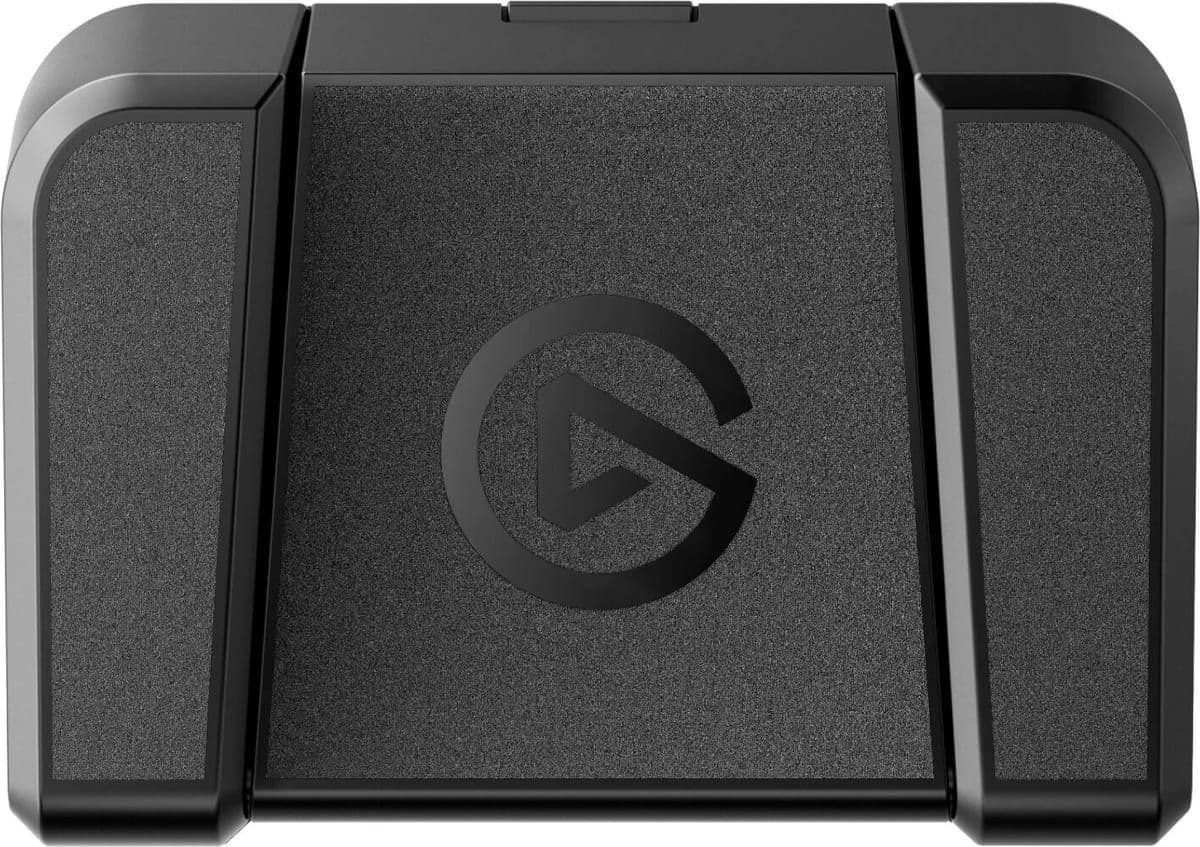
The Stream Deck Pedal has three switches. The left one swaps between Chrome and Ghostty. The middle one starts dictation in Monologue. The right one is an Enter key which sends the dictated message to Claude. I can talk to a coding agent on a machine I am not touching without moving my body. It’s both awesome and possibly the nerdiest thing I have ever done (and I collected hundreds of Pepsi bottle caps for free songs on iTunes in 2004).
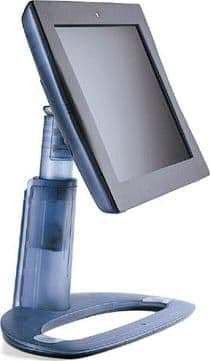
I got there after two failures worth admitting. The first was brute force: I gave the personal machine its own set of peripherals. It sat closed while driving a 1998 Apple Studio Display, with its own Apple Magic Keyboard and Trackpad. Two keyboards. Two trackpads. One desk. It was miserable to look at and worse to use.
The second attempt was Screen Sharing. Both machines are on ethernet, and even with the high performance option it was still too slow and frustrating to use. I religiously use modifier keys and they are captured by the primary machine.
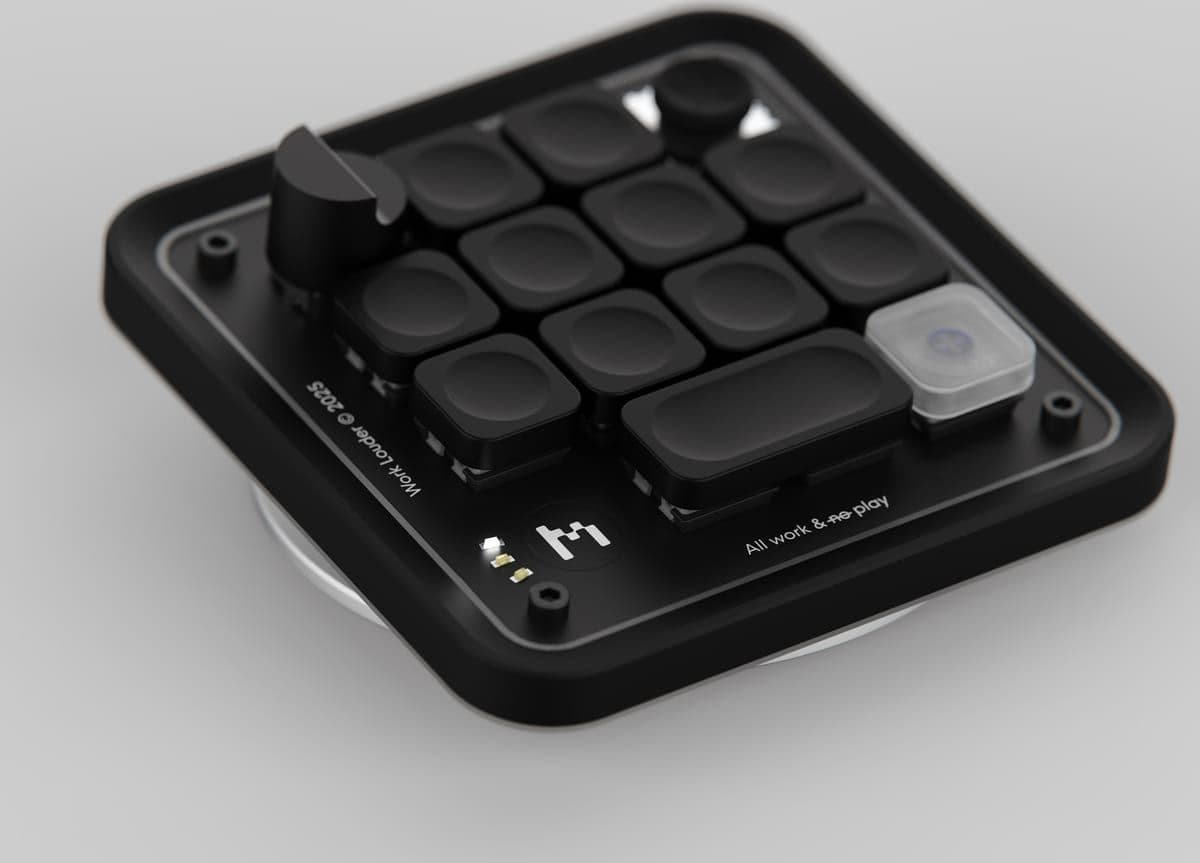
The pedal collapsed two input sets to one. Then, for extra fun, I added a keypad so a hand can do the same job without moving too far from the work keyboard. The Work Louder Creator Micro 2 is an ongoing experiment with scripts and macros, and I got the idea and software recommendations from Key In Sight, an essay by Marcin Wichary.
The desk surface
My keyboard and trackpad rest on a small matte black Grovemade deskpad. I like the color, I like how it feels under my wrists, and it disappears into the desk.

I bought the large model first, but the edges curled up when the room got a few degrees warmer.
Display(s)
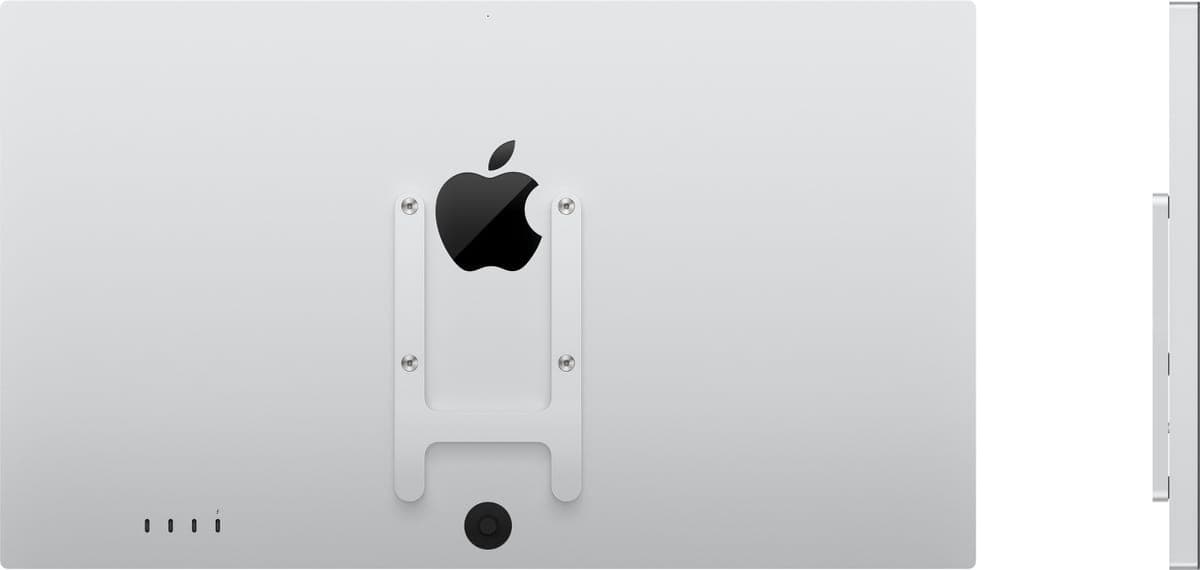
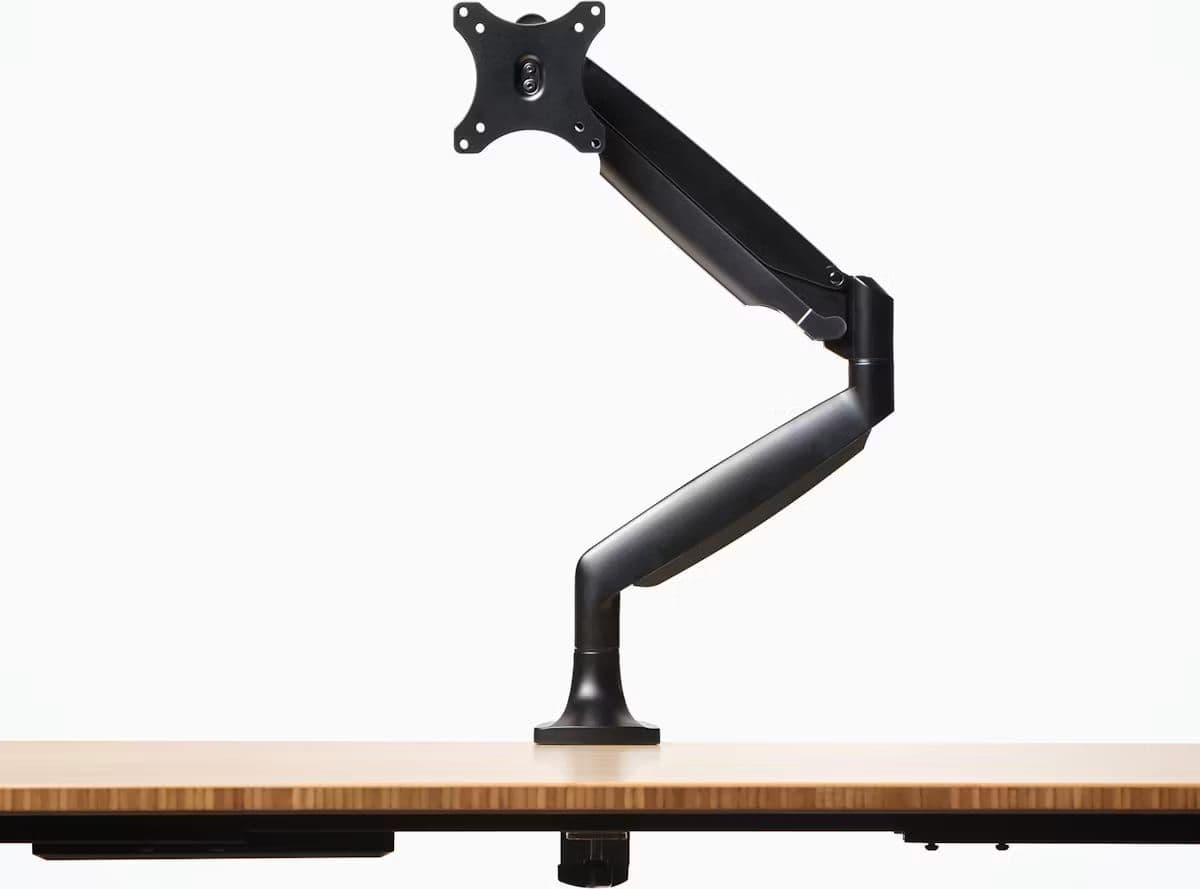
My current display is a 27 inch Apple Studio Display with a VESA mount connected to a Jarvis monitor arm. I love when a display feels like it is floating in the air.
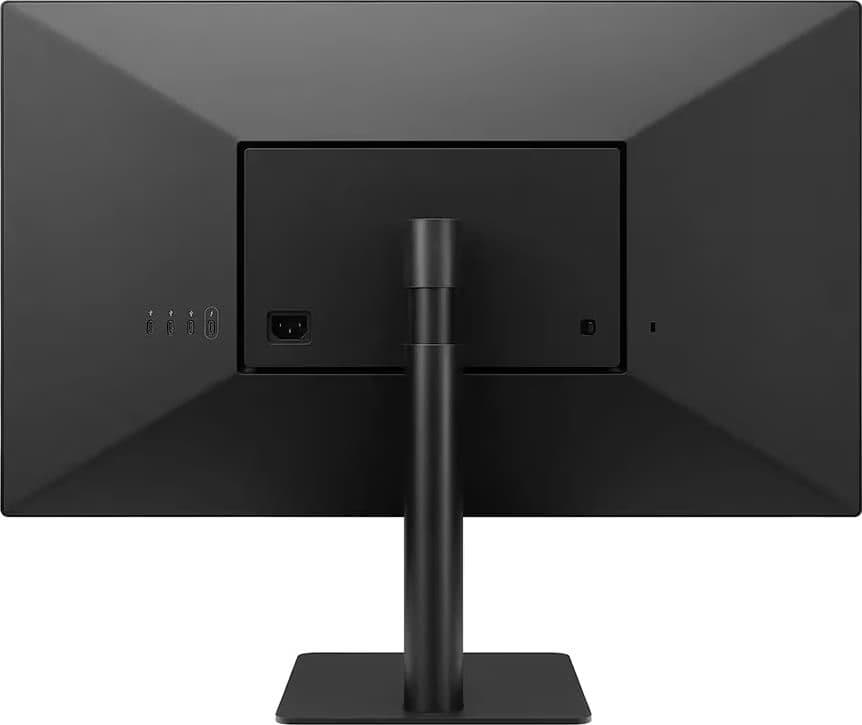
Before the Studio Display I used a LG UltraFine 5K from 2016 until 2024. I want to be fair to it. For eight years Apple did not sell a 5K display you could plug a computer into. The 5K iMac and the iMac Pro were available, but neither could be used as an external display. The LG was the only 5K game in town, and I bought the only option there was. I also wanted to jump on the USB-C bandwagon in 2016 which the LG 5K enabled.
It was always a bit wobbly with the occasional ghosted window. If you want to know why I care so much about a screen that floats, it is because I spent eight years looking at a screen that shimmied if I bumped my desk.
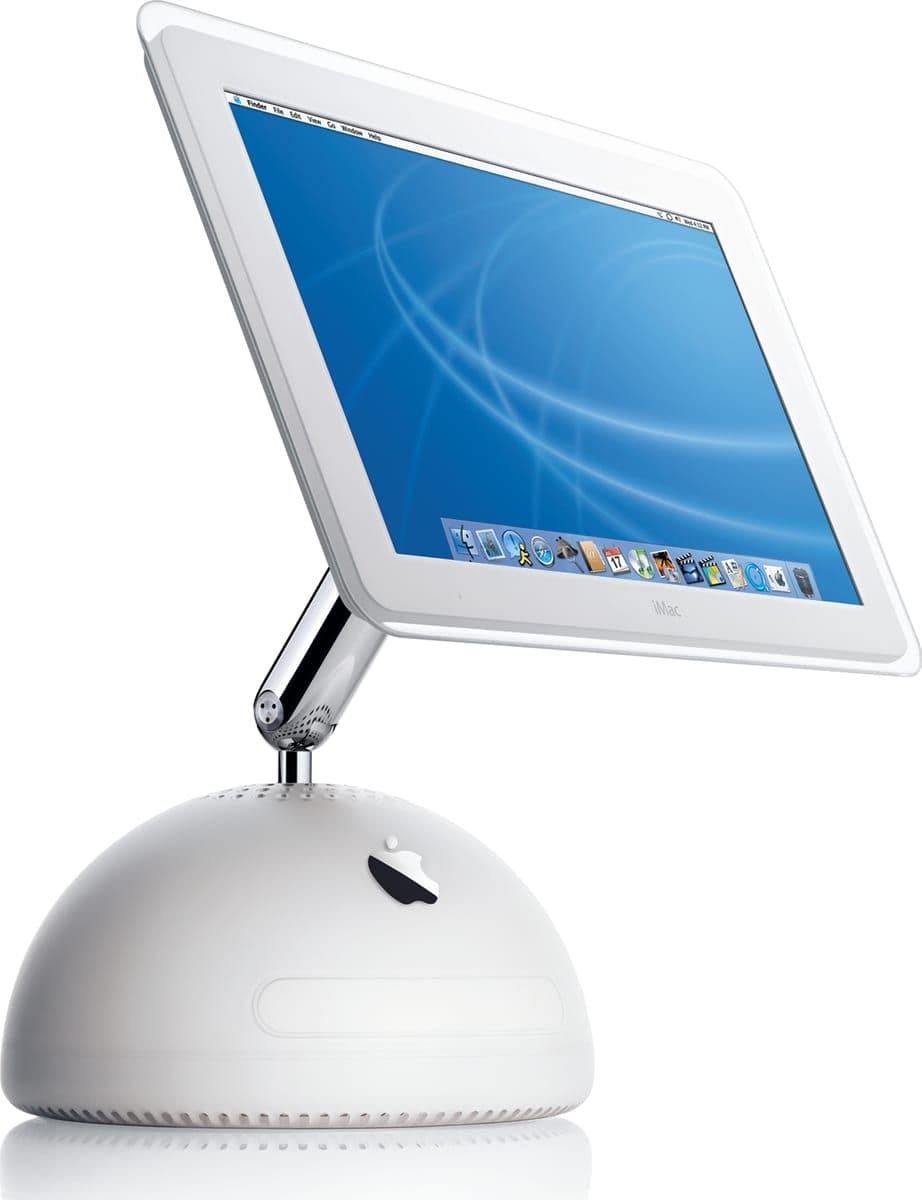
For a few months I also ran a 17 inch iMac G4 as an external display using a JuicyCrumb DockLite G4. It connects over HDMI so either machine can drive it. It was a fun experiment, but it is now back in the Apple museum with the other displays.
Macs
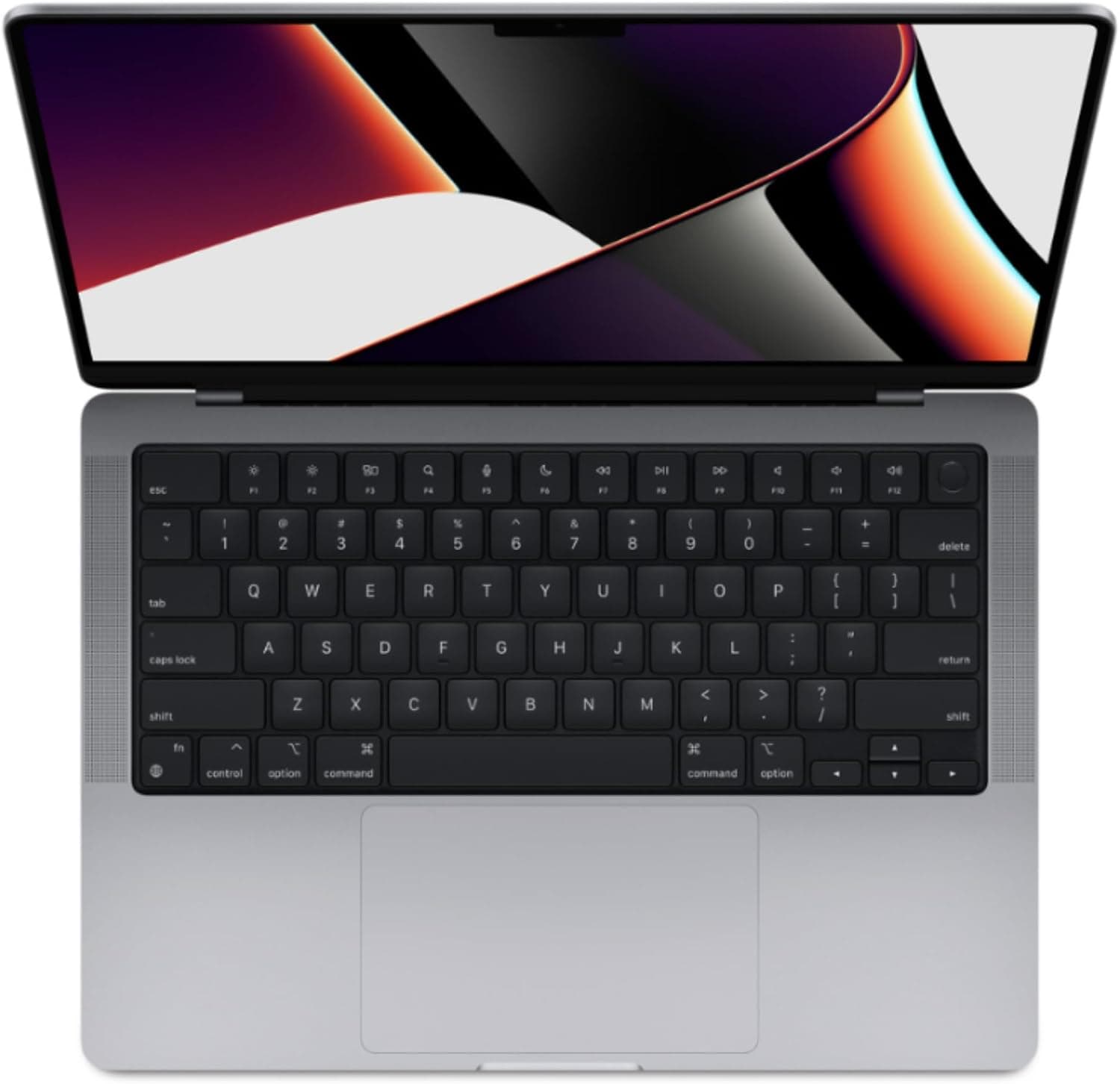
The work machine is a 16 inch M4 MacBook Pro, and the personal machine is a 14-inch M1 Pro from 2021. Hopefully I can upgrade the M1 Pro to an M5 Pro soon.
On the weekend the Studio Display switches over to the personal machine thanks to a single USB-C cable and the display’s built-in hub.
Keyboard and trackpad
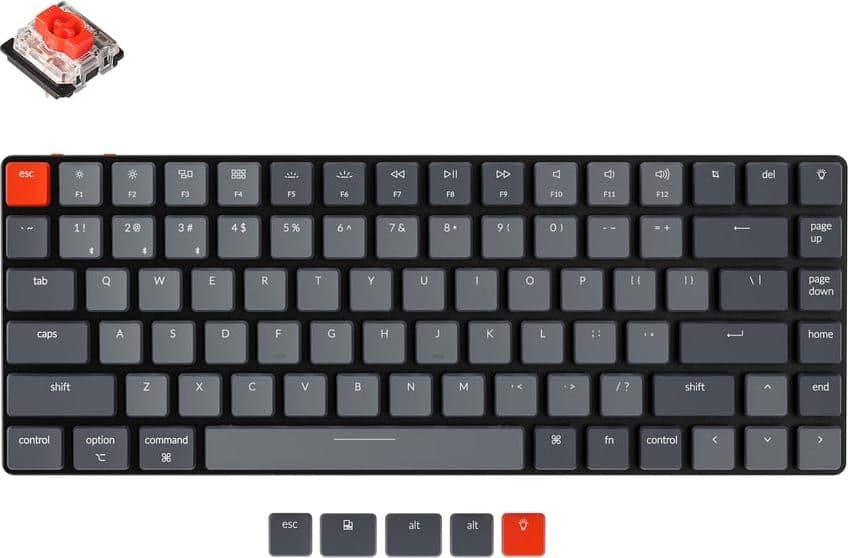
I am a Magic Keyboard person. I tried a Keychron K3, briefly, and I did not like the feel of it.
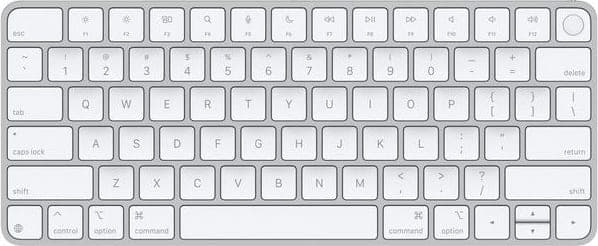
I have not used a mouse since around 2011 when my wrist began to hurt. For me a trackpad fixed the problem and I never went back.

Audio
Three devices, three jobs. AirPods Pro for calls, custom in-ear monitors for music while I work, and bookshelf speakers for when the room gets to hear it too.
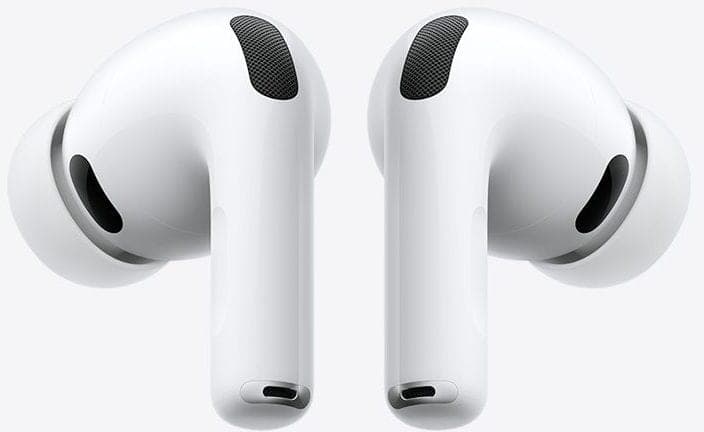

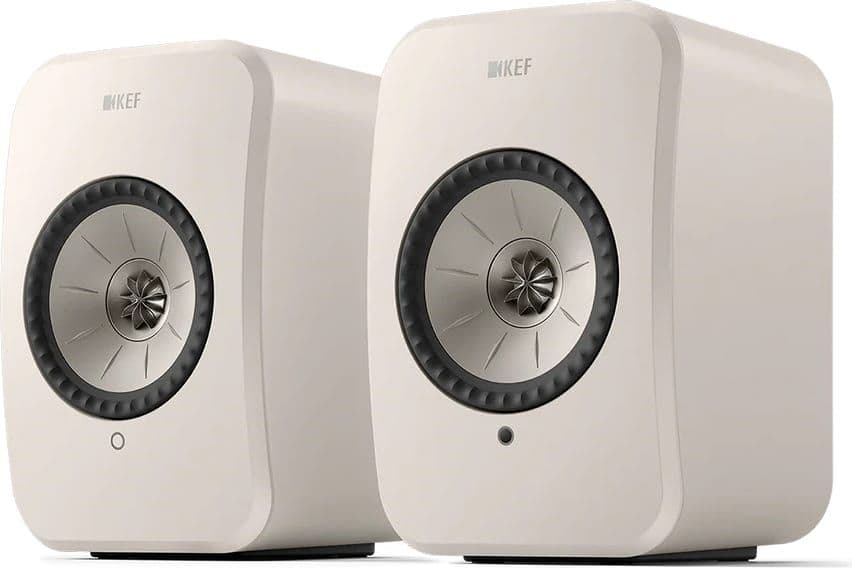
I listen to ambient electronic music almost exclusively. Not too fast, not too aggressive, not too complex.
The endless list
Before I settled on my current setup, I went through an endless list of headphones, DACs, and amps. For a few years I had a little stack of Schiit products including an amp, DAC, and USB “decrapifier.”
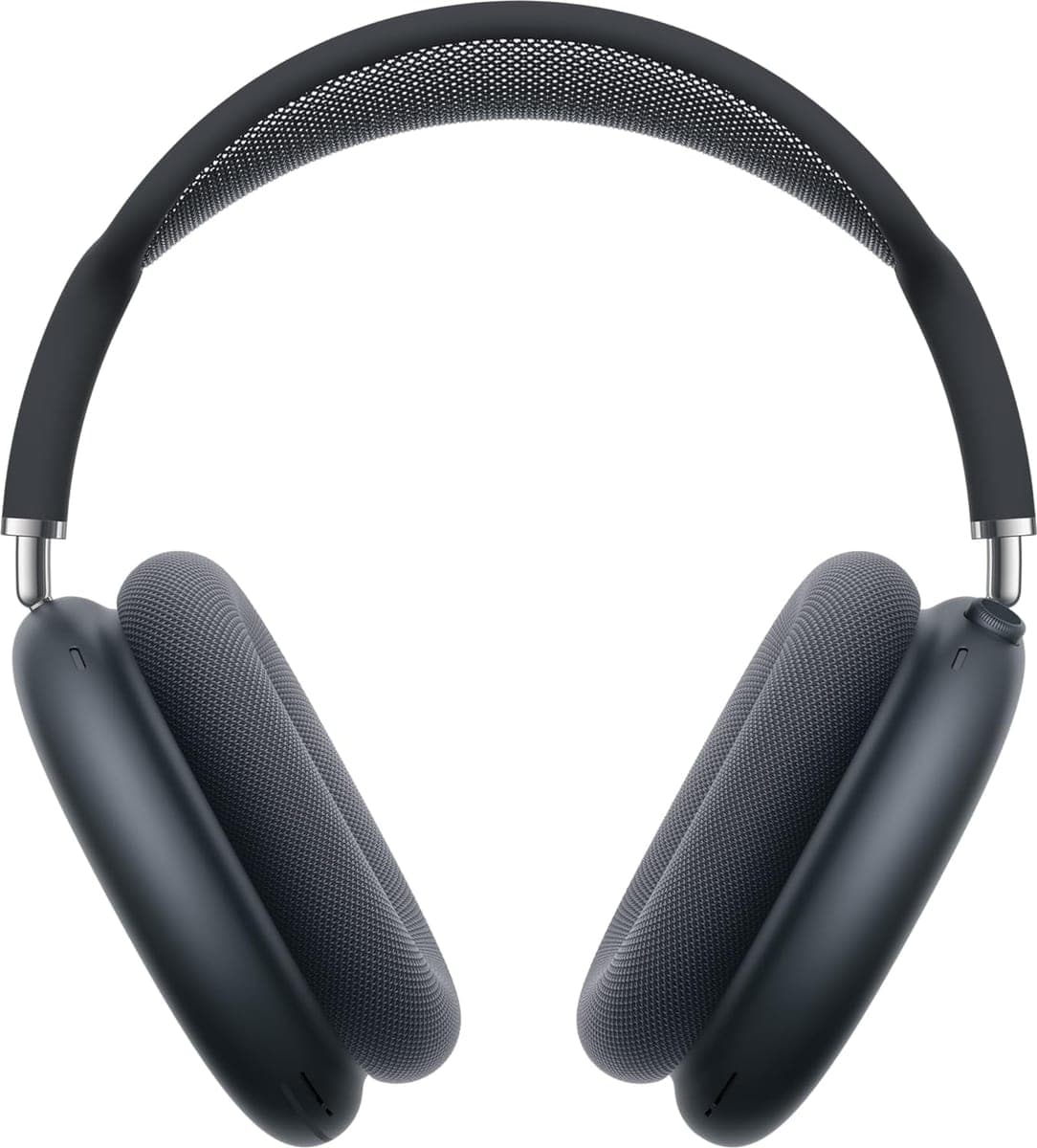

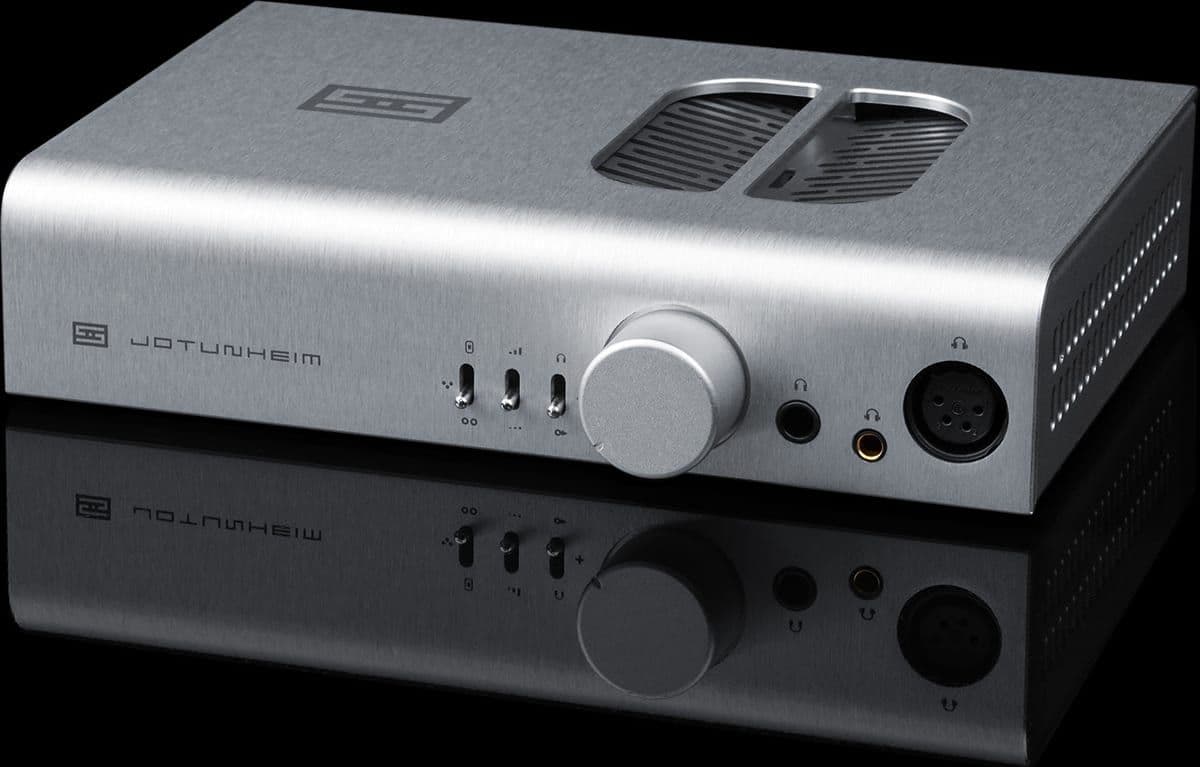
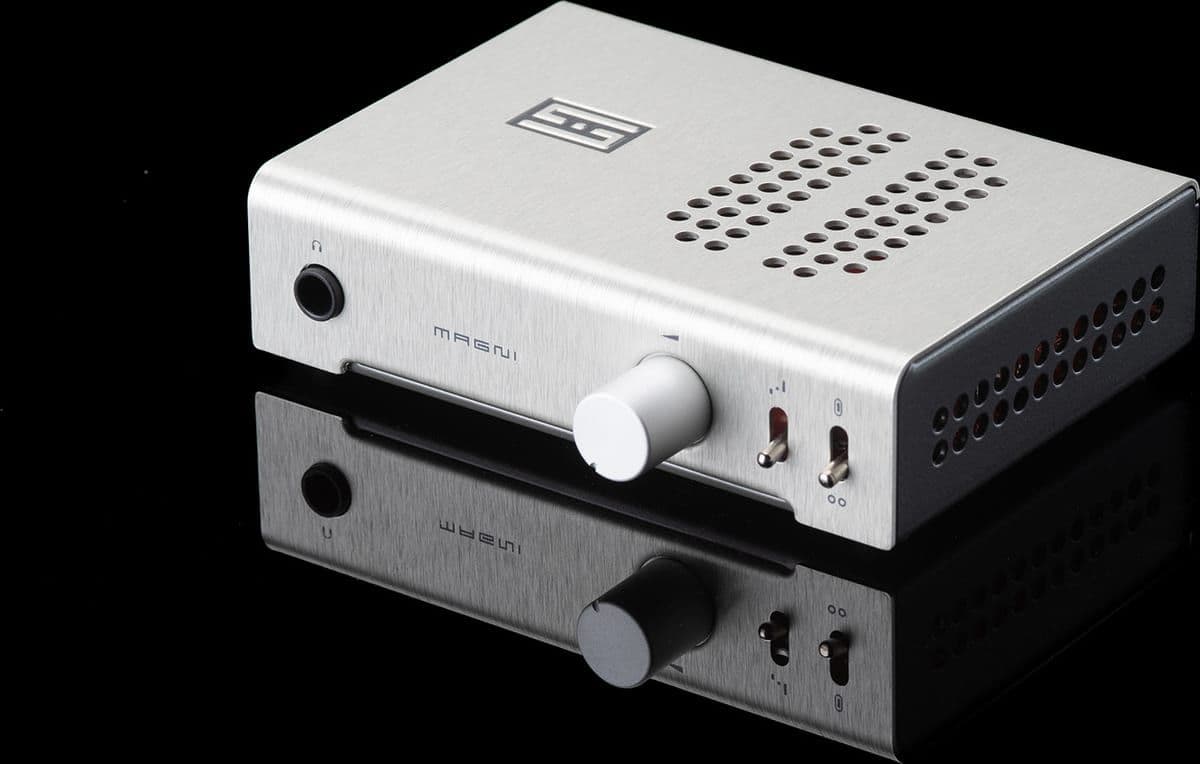
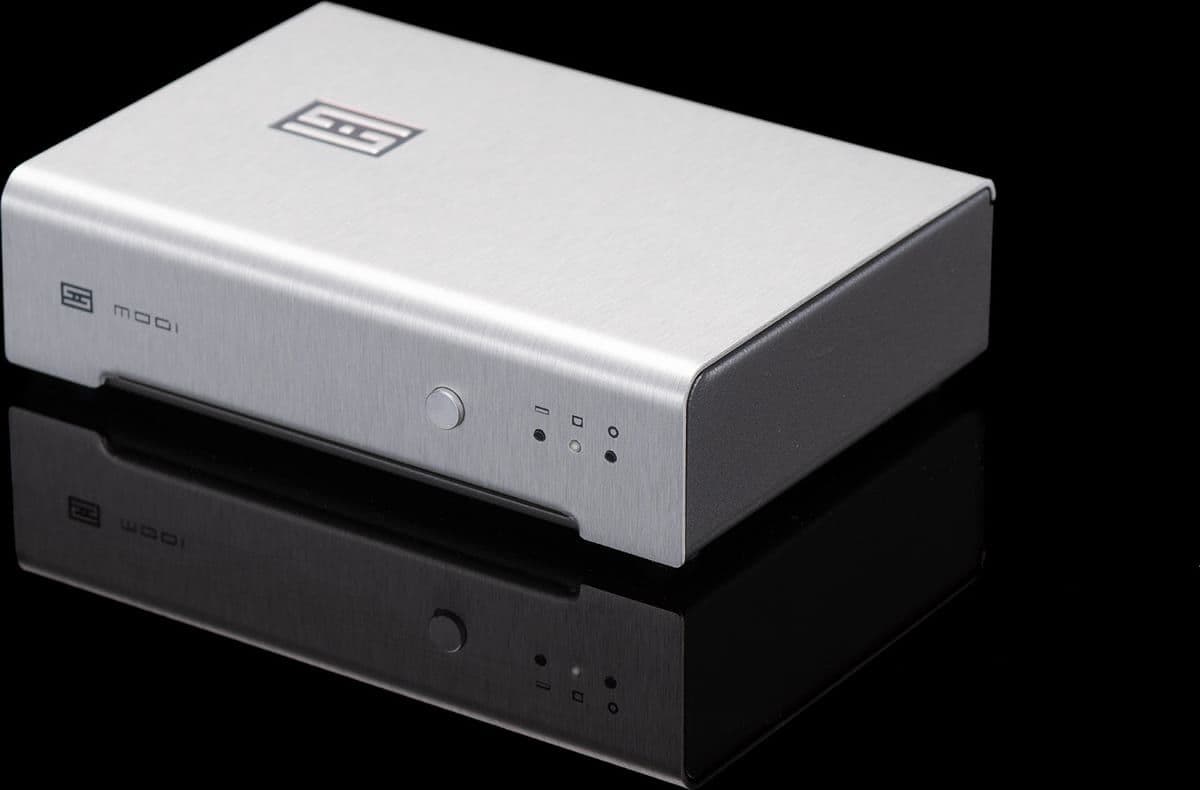
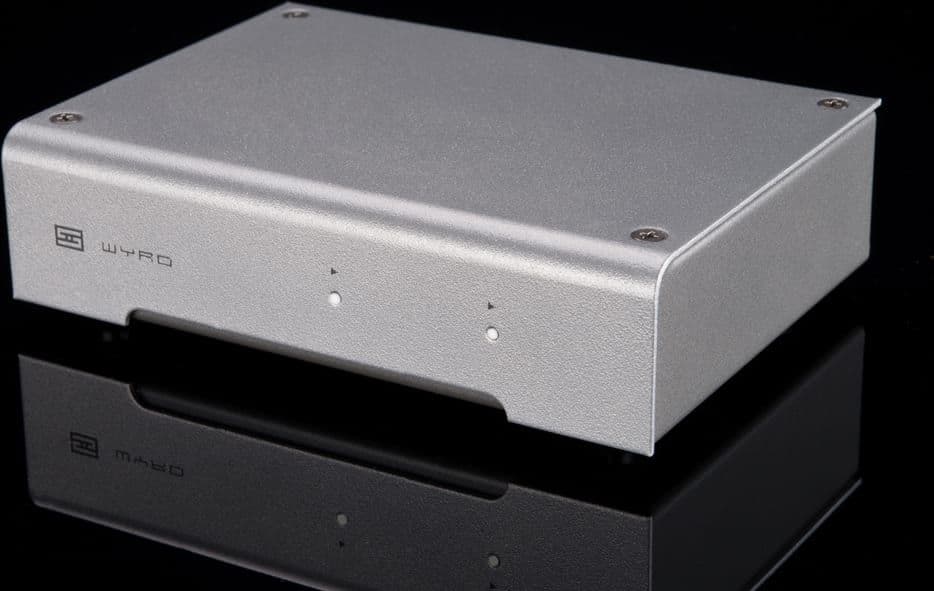
I loved the look of the Schiit products on my desk, but I just do not enjoy wearing large headphones anymore.
Video and lighting
I recorded a few YouTube videos recently and decided it was time to purchase a real microphone. After reading several reviews and selecting a budget I chose a Shure MV6 paired with an Elgato Wave Desk Stand.
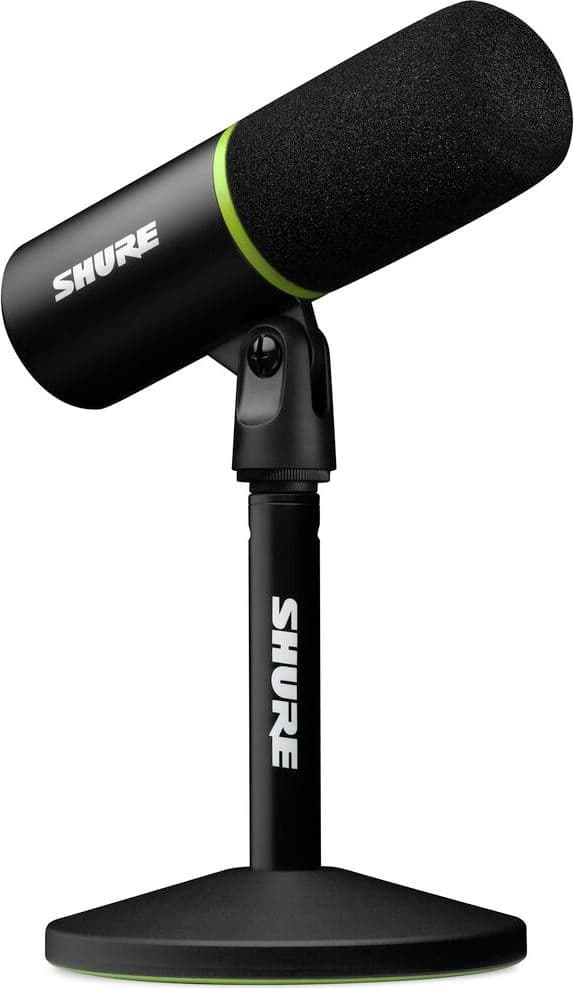
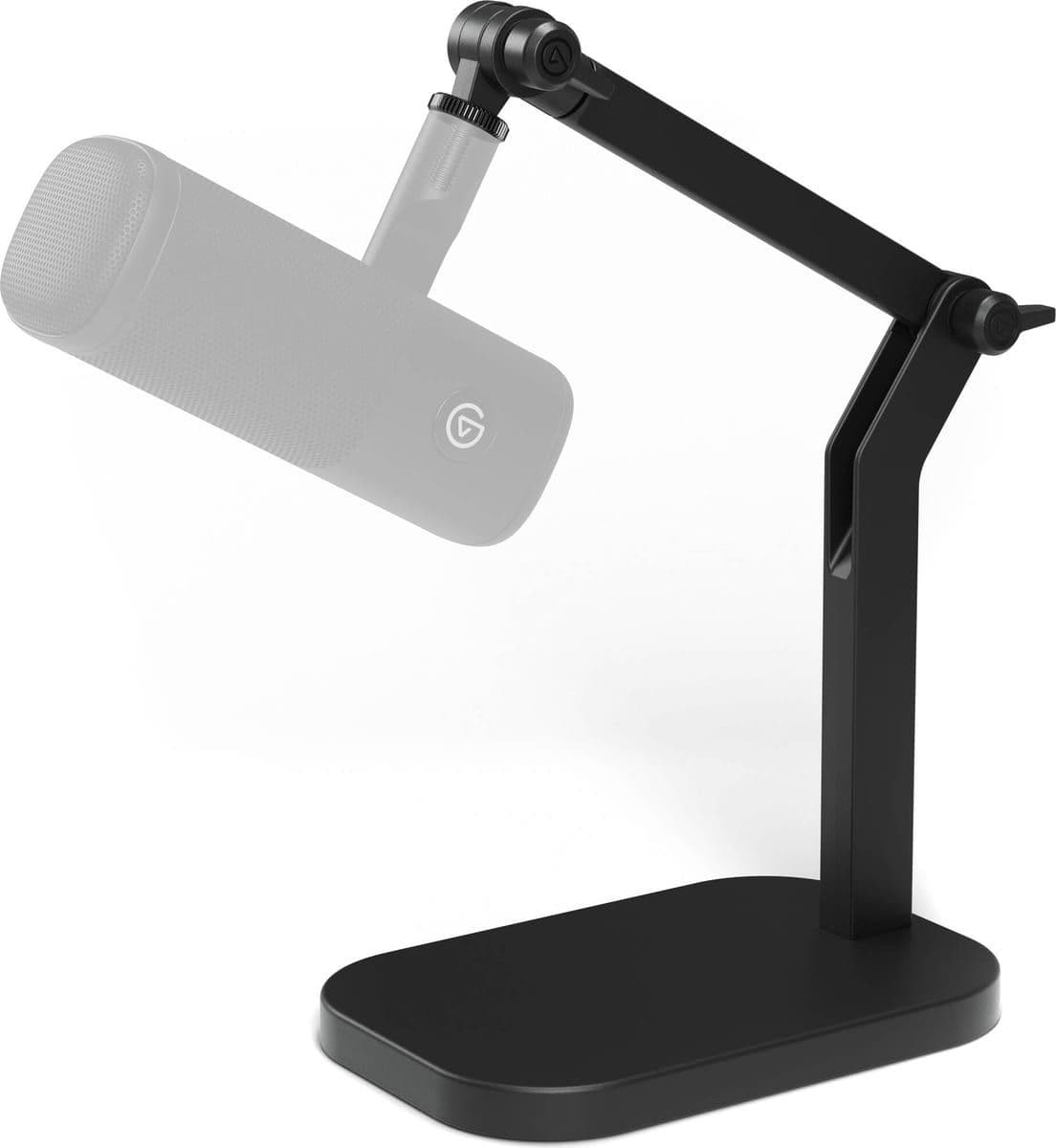
It earns its place when I want to record or present a high quality presentation. For a regular Zoom call it is honestly overkill. It’s also unpleasant to look at so it primarily lives behind the Studio Display.
When I want to look fancy I use my iPhone with Continuity Camera and a Belkin MagSafe mount. I used to have a much more serious rig, and I wrote a whole post about it in 2020: a Fujifilm X-T2 with a dummy battery, an Elgato Cam Link 4K, and a Key Light Air. It genuinely looked the best of anything I have used. However, I retired it because all of the junk required to make it work was distracting and made my desk feel cluttered. Clutter is the enemy of productivity and focus.
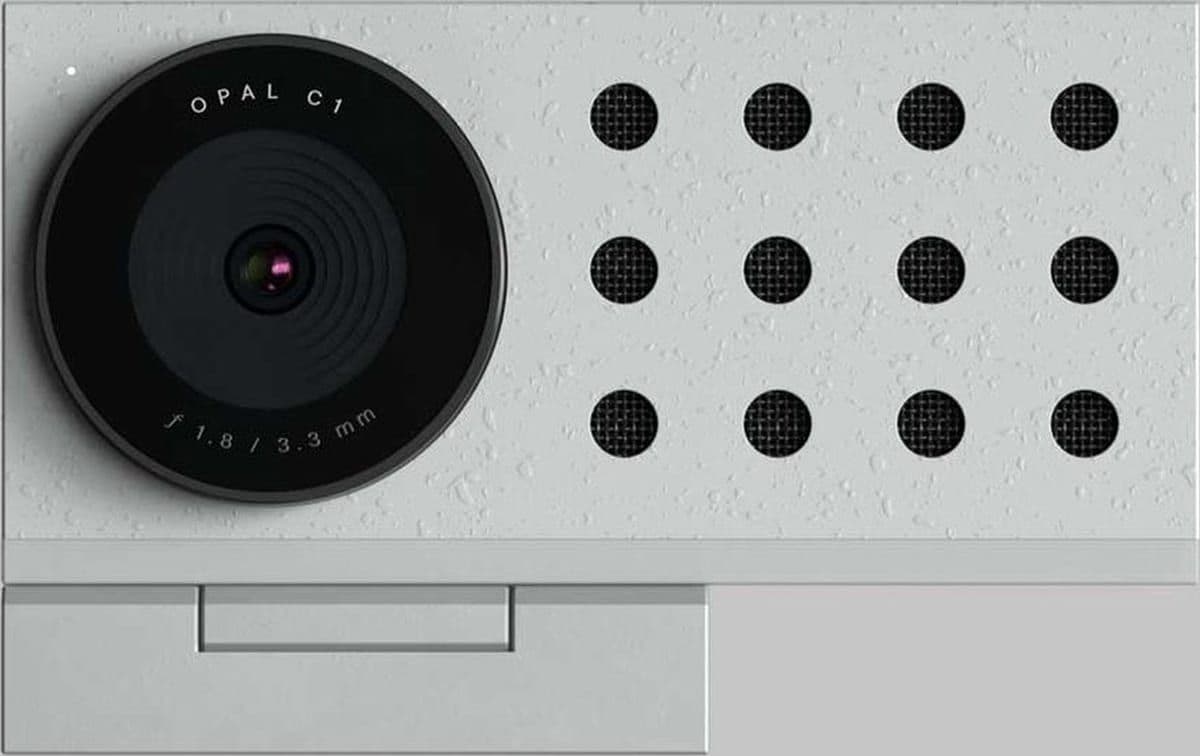
I also tried an Opal C1, but its software was very slow and the video quality was unimpressive. It is one of the only things on this page that lost on the merits.
For extra light I use a Logitech Litra Beam that perches over the top of the Studio Display. The light is decent, and it is extremely reliable. It turns on when I join a call and off when I leave every single time.
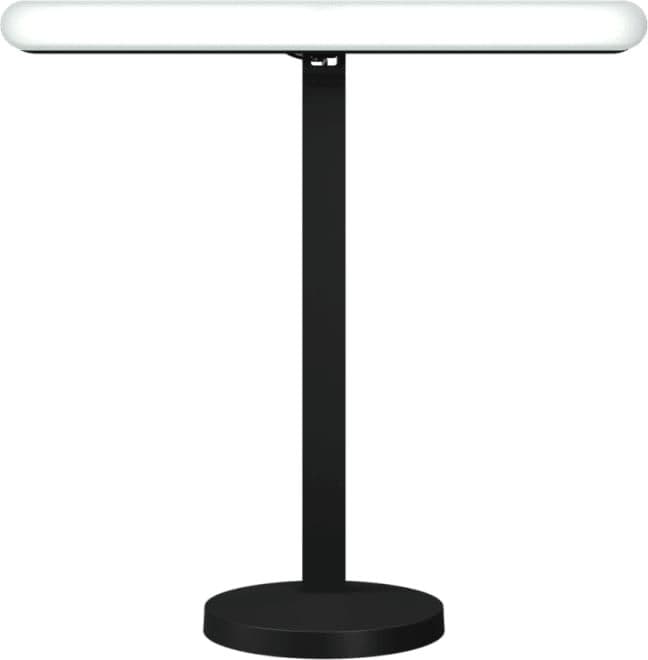
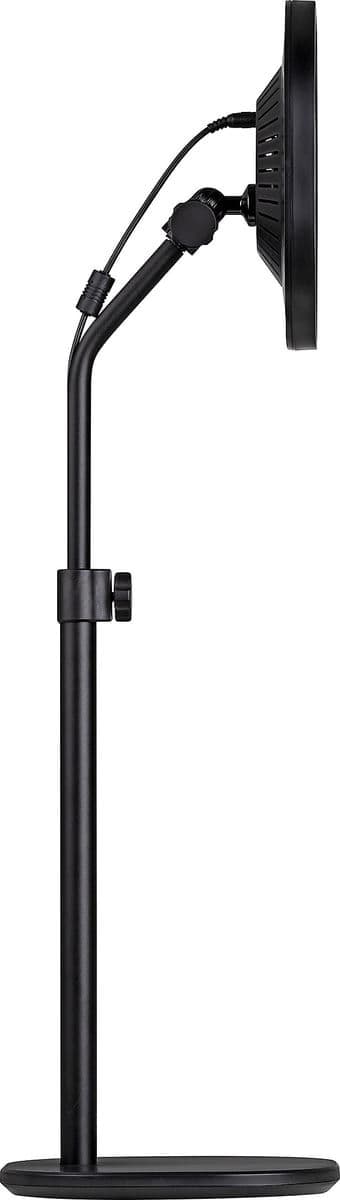
Which brings me to the Elgato Key Light Air, the light I recommended in that 2020 post. I bought and sold one twice. At one point I owned two of them at the same time! The looming presence of it was ultimately overwhelming, and controlling it over WiFi was unreliable.
Always wired
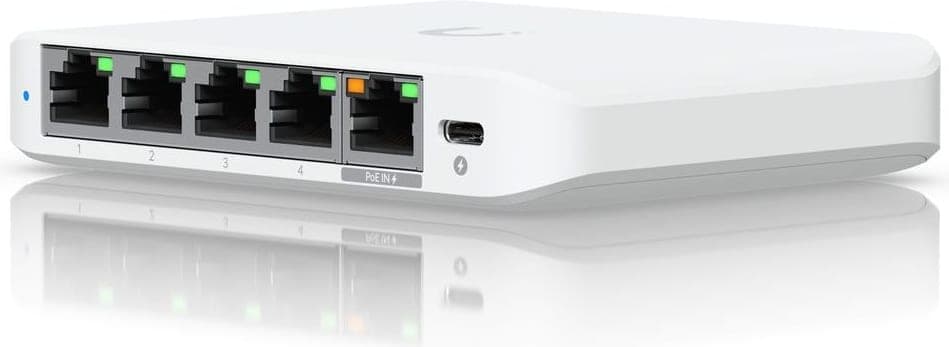
Everything with an ethernet port on this desk is wired to my router including both MacBook Pros and the KEF speakers. A small Ubiquiti switch under the desk feeds the growing list of wired products.
The rest of the house network is a separate story, and I already told it in Upgrading to a Ubiquiti network. Notice the pattern, though: the WiFi controlled light is what I dumped, and the wired setup is what I am proud of.
Objects on the desk
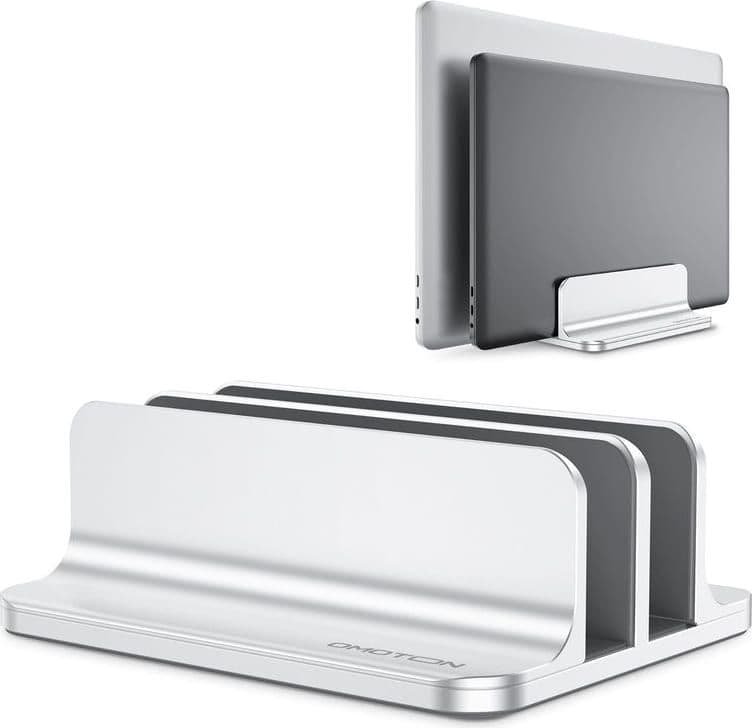
A vertical stand holds both MacBook Pros closed and upright. It performs two functions: present the machines (which are objects worth looking at), and minimize how much surface area they take up.
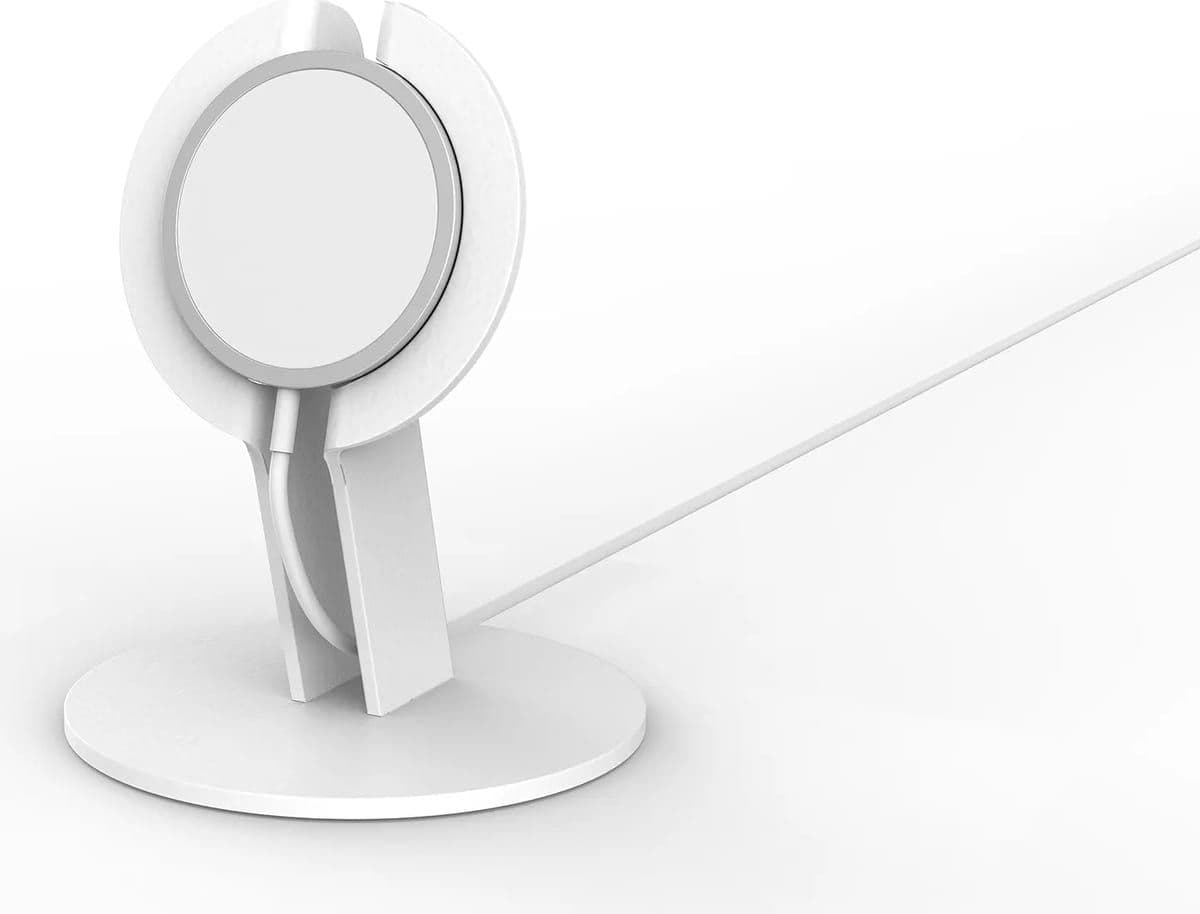
The iPhone lives on a Heckler stand which mounts and charges it using an Apple MagSafe cable. Heckler Design does not sell it anymore which is a shame because it is a beautiful object.
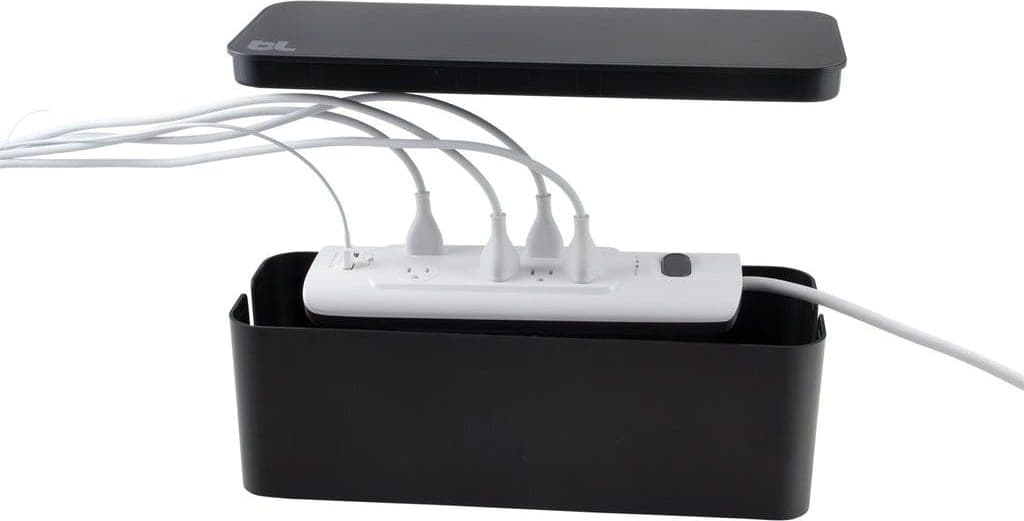
One product handles most of the cable management. I strive to minimize the number of visible cables.
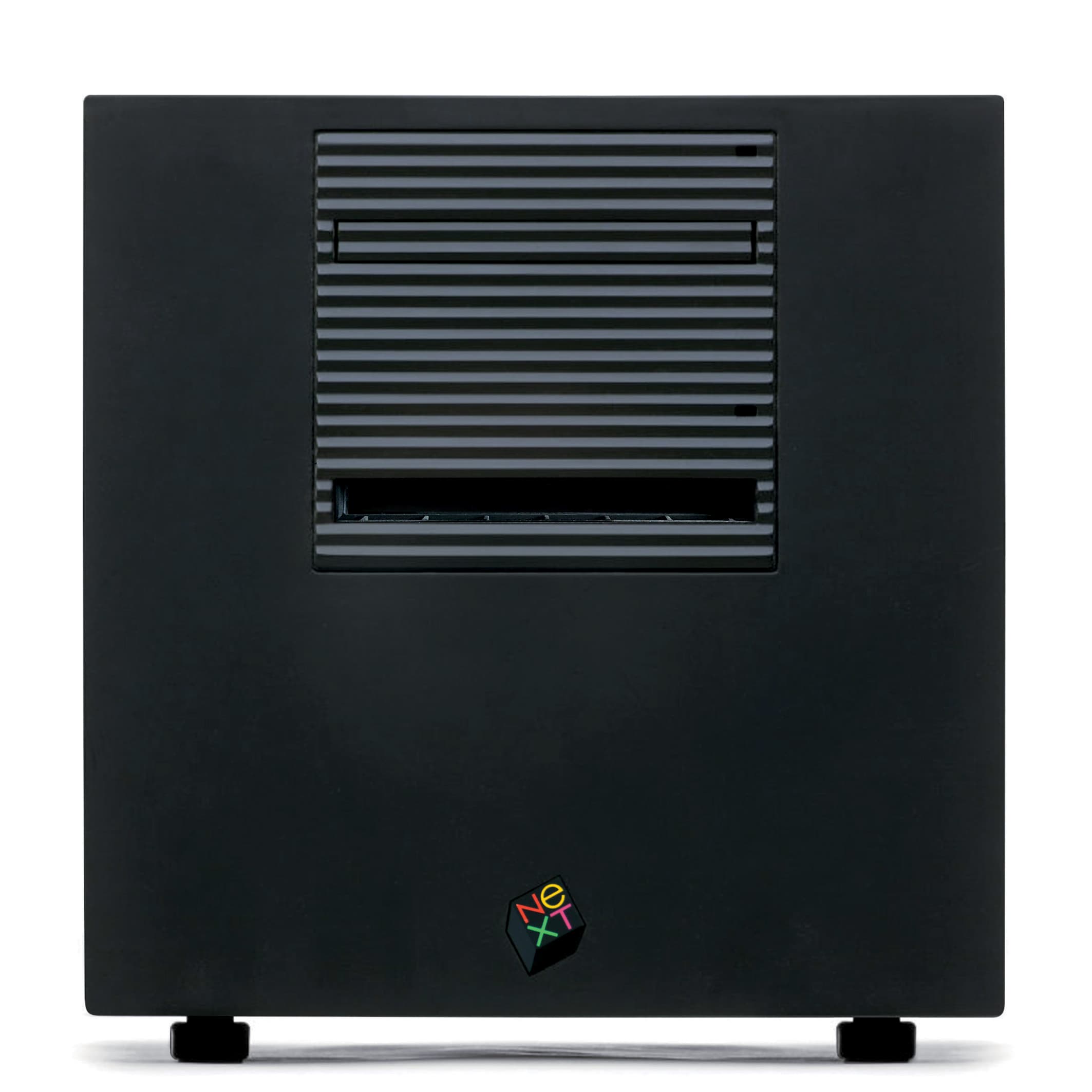
There is also a 20th Anniversary Macintosh and a NeXTcube nearby which are two of my favorite pieces from the collection. The office area is both a workstation and mini museum.
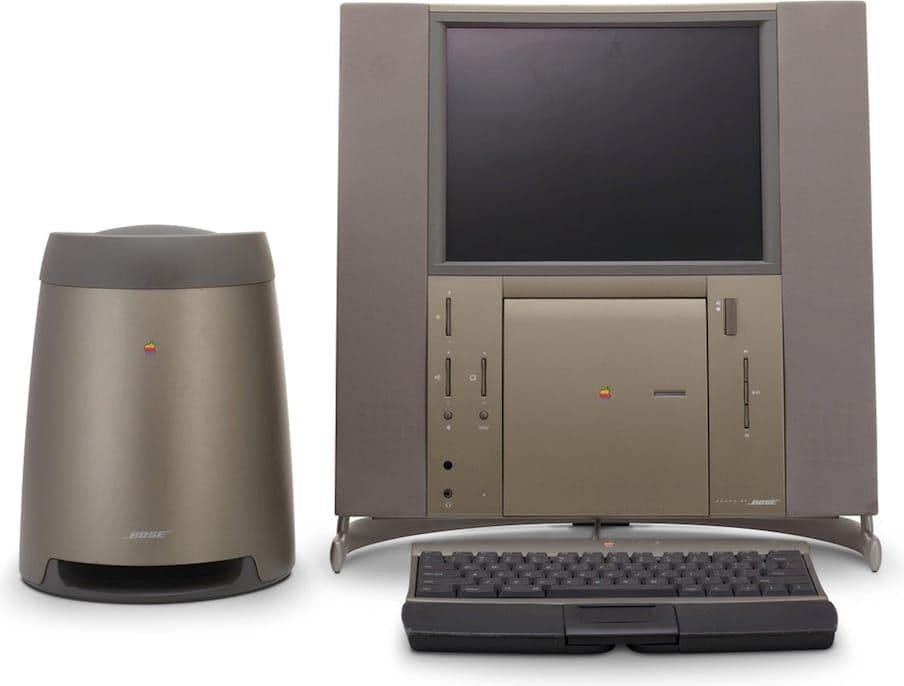
20th Anniversary Macintosh
250 MHz PowerPC 603e · 32 MB ram · 2 GB harddrive · 12.1″ display
Wikipedia
Software
The two-machine rig

 Karabiner Elements and Keyboard Maestro drive the Creator Micro 2 depending on the complexity of the key press.
 Ghostty is my current terminal application.
 Monologue handles voice dictation.
Publishing
 Obsidian is where this website gets written which is a whole story of its own.
 CleanShot X handles custom screenshots.
 ImageOptim compresses bitmaps.
Design and development
 Safari Technology Preview enables testing Safari over MCP.
 xScope adds horizontal and vertical guides for pixel-perfect alignment tests.
 Diagrams helps with quick diagrams.
 Lightroom handles managing and editing photos which I discuss on camera gear.
Reading and communication
 Tapestry gives me one combined feed of Mastodon, Bluesky, Reddit, and YouTube posts.
 Reeder has been my RSS app for many years. RIP Google Reader.
 Mimestream is a native Gmail app for macOS and iOS.
 Overcast for enjoying podcasts.
 Things tracks my tasks.
 1Password stores passwords and passkeys.
Small utilities
 Alfred is my launcher but I still miss DragThing.
 Magic Highlighter highlights search keywords on search results pages.
 Rocket provides instant access to emoji.
 Vanilla hides icons in my menu bar.
What this all adds up to
Review this page and take note of the “Retired” items. Almost nothing here was retired for performing badly. The Schiit stack sounded great. The Fujifilm rig offered the best video quality. The Key Light Air was a solid light.
They all lost for the same reason: they were in the way. Two input sets became one pedal. A shelf of audio equipment became a pair of molded earpieces that vanish. A camera rig became a phone on a stand. A display that wobbled on the desk became a display that floats above it.
The last app in the list gives the whole thing away. I run software whose only job is to hide icons in my menu bar because a truly good setup is one you stop noticing.